
One site, two seasons
An Apidae listing is entered once, with a winter version and a summer version. The Seasons module lets visitors move from one to the other: photographs, descriptions, opening hours and prices all follow.
Switch, and watch
The floating selector on this page changes the reading context for everything below it. The 15 listings below come from 9 different mountain towns, entered by tourist offices that never consulted one another. All 15 carry different photographs depending on the season, and several also change description, opening hours and prices. Open one to see everything that moves.
The banner on this page follows the season too. It is not an Apidae listing: the module puts a class on the page, and the theme uses it to swap the image. A tourist office can dress its site for winter without touching its content.
In this demonstration your choice follows you from page to page: open a listing and it appears in the season you picked. That is a setting. By default the module does the opposite, and the choice applies only to the page being viewed, so that a visitor who arrived in winter does not read the whole site in summer.

La Croix of Chamrousse

Himalayan footbridge Chamrousse
- Chamrousse

Adrenaline Park – Chamrousse giant zip line
- Chamrousse

La Clusaz Aquatic Center
- La Clusaz
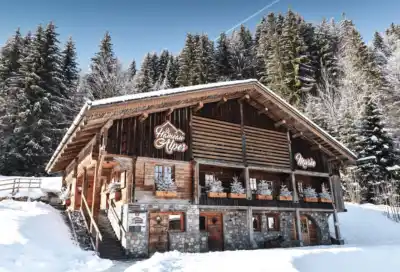
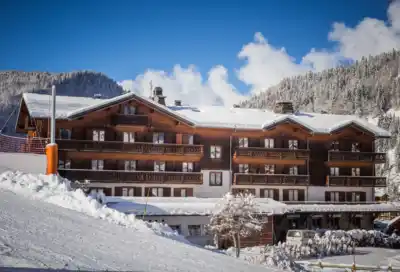



Summit of La Cime Caron
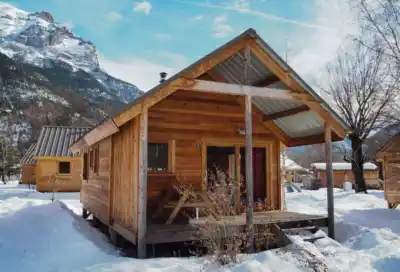

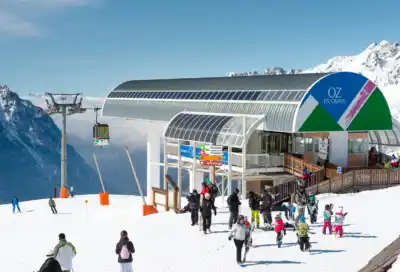
Alpette Skilift
- Oz-en-Oisans


What it replaces
Without this module, a tourist office that wants a winter page and a summer page duplicates its listings: a summer walk, a winter walk, two listings to keep up to date. The module reads both versions of the same listing.
The context is set per page, by calendar, or by the visitor. A “Winter walks” page can open in winter with nothing for the visitor to do, and the choice they make afterwards applies only to the page they are looking at.
The selector can be placed in a page, in a menu, in the header of a block theme, under Elementor and under Divi. Six skins are supplied; the one on this page is the “Toggle” skin.